
EarnStar Review : Paid Surveys, Games and Rewards
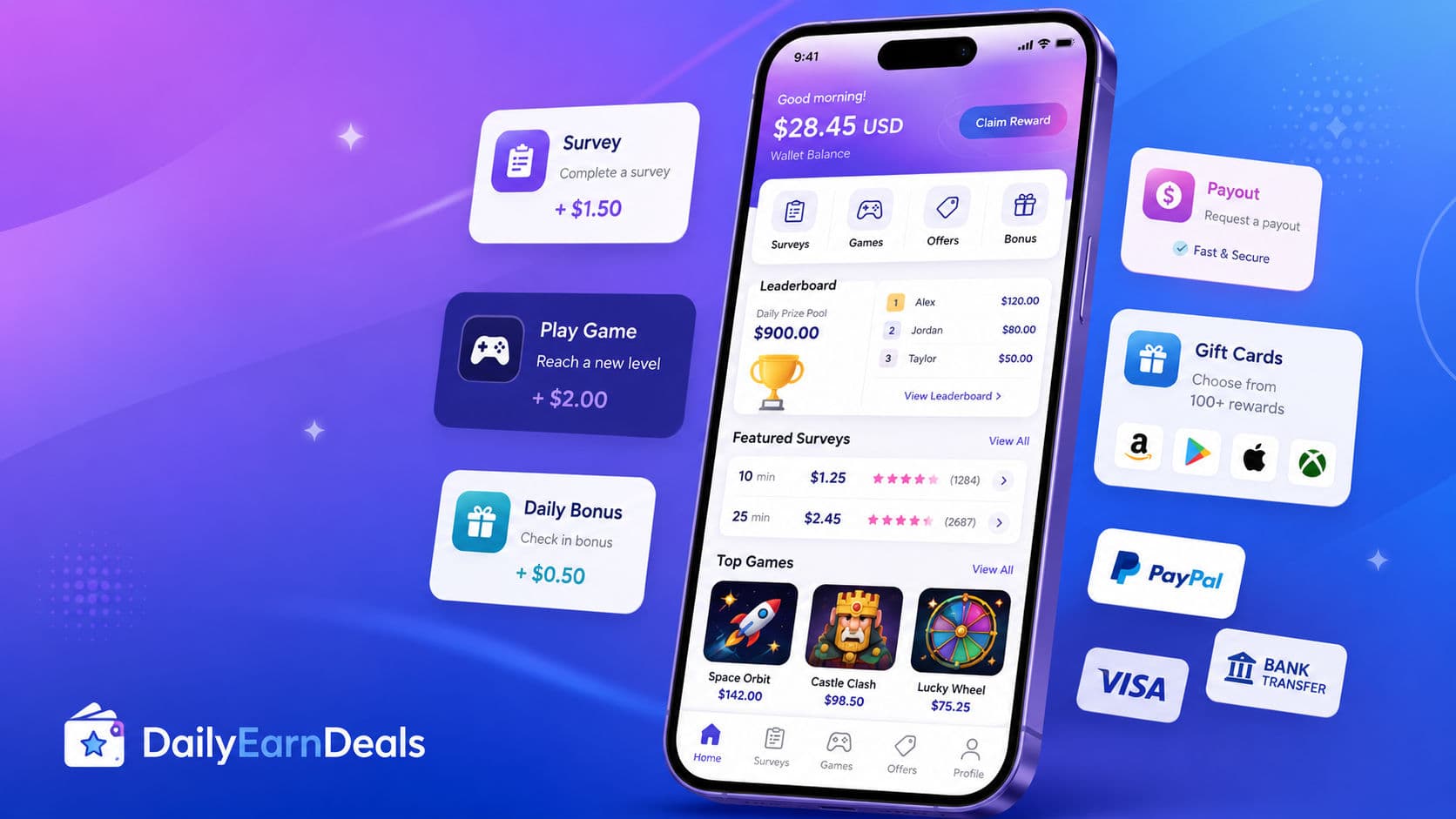
EarnStar is a Get-Paid-To rewards platform where eligible users can earn rewards from surveys, mobile games, offers, leaderboards, referrals, and bonuses. It is free to join, but earnings vary by country, task availability, tracking, and reward approval.
 Reviewed by 𝔸𝕓𝕕𝕆 Essen
Requirements
EarnStar account required
Email sign-up or supported login method
Internet access
Smartphone, tablet, or computer
Accurate profile information
Profile details may include age, gender, education level, and similar survey-matching information
Supported country access
Honest survey answers required
Tracking may be needed for games and offers
Payout method must be available in the user’s account
Avoid VPNs, fake details, duplicate accounts, and misleading answers
How it works
What is EarnStar?
EarnStar is a Get-Paid-To rewards platform where users can earn rewards by completing online activities such as surveys, mobile games, offers, leaderboards, referrals, and bonus tasks. The platform promotes rewards through more than 200 gift cards and more than 10 transfer methods, including examples such as PayPal, Revolut, ACH transfer, Amazon, Visa, and Netflix gift cards.
EarnStar is a product of Prime Insights AB, according to the official website footer.
This is not a job and should not be treated as stable income. EarnStar is better described as a small side rewards platform for people who want to earn occasional rewards from surveys, games, and offers in their spare time.
EarnStar may be worth testing if you already use survey apps or rewards platforms and want another option. However, rewards are not guaranteed. Your results can depend on your country, available tasks, device, survey profile, game tracking, honest answers, and whether third-party partners approve the activity.
How EarnStar works
EarnStar works like a Get-Paid-To rewards platform. After signing up, users can check the tasks available in their account and choose the activities they want to complete.
Common ways to earn include:
Paid surveys: Answer questions and share opinions when your profile matches a survey.
Mobile games: Play selected mobile games and complete in-game challenges or milestones.
Offers: Complete available tasks, app signups, trials, or partner offers.
Leaderboards: Stay active and compete in platform rankings where available.
Referrals: Invite friends and receive extra rewards when referral offers are active.
Bonuses: Earn extra rewards by staying active or reaching certain milestones.
EarnStar’s website says users can access surveys, play games, and complete offers to receive rewards. It also mentions leaderboards, referrals, and bonus rewards for active users.
The important part is that many tasks depend on tracking and approval. For example, a game offer may only credit if you install it through EarnStar, complete the required milestone, and finish within the required time. A survey may only pay if you qualify and complete it honestly.
How much can you really earn?
EarnStar rewards vary by activity. Some surveys may be short and small. Some game or offer tasks may show higher rewards, but they can also take more time, require several milestones, or depend on third-party tracking.
A safe reward description for DailyEarnDeals is:
Rewards vary by surveys, games, offers, and bonuses
EarnStar’s FAQ says rewards vary by activity. It also says very active members who use surveys, offers, and games together can collect up to $1,200 in rewards per month. This should be treated as a high-end platform claim, not a normal user expectation. Most users should expect small side rewards, not stable monthly income.
EarnStar is best used with realistic expectations. It can help users collect extra rewards when tasks are available, but it should not be promoted as guaranteed income or a replacement for work.
Payout
EarnStar promotes several payout and reward options. The website says users can redeem through more than 200 gift cards and more than 10 transfer methods. It shows payout examples such as PayPal, Revolut, ACH transfer, Amazon, Visa, and Netflix.
EarnStar’s FAQ says users can redeem their balance through hundreds of different methods, that withdrawals are processed quickly, and that there is no minimum amount required for withdrawal.
A natural payout section for the article is:
EarnStar lets eligible users redeem rewards through options such as PayPal, transfer methods, gift cards, Visa-style rewards, Revolut, ACH transfer, and other local options where available. The platform says there is no minimum payout amount and that withdrawals are processed quickly. Actual reward options can still vary by country, account, and current reward catalog.
For your CMS, the safest payout methods to tick are:
PayPal
Bank transfer
Gift card
Other
Use Other for Revolut, Visa, ACH transfer, and local reward options where available. Do not tick Crypto unless the current EarnStar dashboard clearly confirms crypto payouts for your target country.
Who it’s best for
EarnStar is best for users who like rewards platforms and want different earning options in one place. It may be useful for people who enjoy surveys, mobile games, app offers, and small online tasks.
It is a good fit for users who:
Want PayPal, transfer, or gift-card reward options
Like surveys and simple online tasks
Enjoy mobile game rewards
Understand that tracking and approval matter
Have free time and realistic expectations
Want small side rewards, not a salary
EarnStar is not best for people who need guaranteed daily income, fast high earnings, or stable monthly pay. Survey screen-outs, offer tracking issues, country limits, and third-party approval can affect results.
How to start
Visit the official EarnStar website.
Sign up or log in with your account.
Complete your profile with accurate information.
Check available surveys, games, and offers.
Read each task requirement before starting.
For games, start through EarnStar and follow the milestone rules.
For surveys, answer honestly and avoid rushing.
Avoid VPNs, fake details, duplicate accounts, or misleading answers.
Track your balance and pending rewards.
Redeem through the reward options available in your account.
EarnStar says users may need to provide an email address to create an account. It may also ask for profile details such as gender, age, and education level to match users with relevant surveys and tasks.
Tips to earn more safely
Start with tasks that have clear instructions.
Check the time required before starting a survey or game.
Do not spend money on offers unless the reward, cost, and cancellation terms are clear.
Use only your real country and real profile details.
Do not use VPNs or fake information to access more offers.
Keep screenshots for high-value game or offer milestones.
Redeem rewards regularly instead of leaving a large balance unused.
Treat bonus and leaderboard rewards as extra, not guaranteed income.
Read each partner offer carefully before installing an app or signing up for a trial.
EarnStar can be a useful side rewards platform, but the safest expectation is small extra rewards from available tasks. Results vary, and not every user will see the same surveys, games, or payout options.
Pros & cons
Pros
- Free to join
- Offers surveys, mobile games, offers, referrals, and bonuses
- Promotes 200+ gift-card options
- Promotes 10+ transfer methods
- PayPal, Revolut, ACH transfer, Visa, Amazon, and Netflix reward examples are shown
- Works on smartphone, tablet, or computer
Cons
- Earnings are not guaranteed
- Survey availability depends on country and profile
- Game and offer rewards may depend on tracking
- High monthly reward claims should not be treated as typical
- Payout methods can vary by country and account
- Users share profile and survey data for matching
Our verdict
EarnStar is a legitimate-looking Get-Paid-To rewards platform worth testing if you want surveys, mobile games, offers, and flexible reward options in one place. It is best for small side rewards, not guaranteed income or a full-time replacement.
Frequently asked questions
Is EarnStar legit?
EarnStar appears to be a real rewards platform and is listed as a product of Prime Insights AB on the official website. Users should still treat it as a side rewards platform, not guaranteed income.
How do you earn on EarnStar?
Users can earn by completing surveys, playing mobile games, completing offers, joining leaderboards, inviting friends, and collecting bonuses where available.
How much can you earn with EarnStar?
Rewards vary by activity, country, profile, and task approval. EarnStar mentions that very active members may collect up to $1,200 per month, but that should not be treated as typical income.
What is the best reward amount to list?
Use: Rewards vary by surveys, games, offers, and bonuses.
What payout methods does EarnStar offer?
EarnStar promotes more than 200 gift cards and more than 10 transfer methods, with examples such as PayPal, Revolut, ACH transfer, Amazon, Visa, and Netflix.
Does EarnStar have a minimum payout?
EarnStar’s FAQ says there is no minimum payout amount required for withdrawal. Users should still check the reward options shown inside their own account.
Is EarnStar free?
Yes. EarnStar says joining is free and that there are no hidden fees or costs.
How long do EarnStar surveys take?
EarnStar says survey length varies, but surveys usually take around 5 to 15 minutes, with estimated time shown before starting.
Can I use EarnStar on mobile?
Yes. EarnStar says users can complete surveys on devices with internet access, including smartphones, tablets, and computers.
Can EarnStar replace a job?
No. EarnStar should be treated as a small side rewards platform, not a job, salary, or guaranteed income source.
Disclosure: some links on this page are affiliate or referral links — we may earn a commission at no extra cost to you. Rewards and eligibility are set by the offer provider and can change. Always check the provider's current terms before joining. See our affiliate disclosure.
Official page: www.earnstar.com/
Report this offer as expired or wrong
Similar offers

Caddle Review 2026: Canadian Receipt Rebates, Surveys & Cash-Out Rules
A fact-checked Caddle review covering Canadian eligibility, receipt rules, the CAD $20 cash-out threshold, Interac timing, privacy, and risks.

Shopkick Status 2026: Chapter 7 Notice and What It Means
Shopkick’s official site states that it filed for Chapter 7. See what is known, what remains unverified, and why old reward guidance is historical only.

Receipt Hog Review 2026: Receipt Rewards, Cash-Outs & Privacy
Receipt Hog review: receipt uploads, rewards, cash-out options, privacy, connected accounts, and limits explained.
Comments(0)
Comments come from visitors using self-chosen display names — they are not verified accounts and don't represent DailyEarnDeals. Every comment is reviewed by a person before it appears.