
Clickworker Review 2026: Flexible Microtasks or Low-Pay Work?
Clickworker pays eligible independent workers for approved microtasks. Task supply, qualification, payment options, and earnings vary by country and project.
 Reviewed by YaShiRo
Requirements
- Accurate personal details, email address, and an account in your real country of residence.
- A compatible phone or tablet with the Clickworker app for active-account access and browser-login confirmation.
- An available payment method in your country before relying on earnings.
- Completion of profile details, qualifications, and task instructions as required.
- Payment and tax details where Clickworker requires them; EU workers need a TIN for payment processing.
- One account only.
How it works
What is Clickworker?
Clickworker is a microtask platform where registered independent workers can complete small online or mobile assignments for clients. The available work can include AI-training data tasks, surveys, audio or video recordings, photos, app testing, text or data work, and some location-based assignments. It is a flexible side-earning option, not a salaried job, and the jobs shown to one person may differ from those shown to another.
The important expectation to set early is that an account does not mean a steady flow of work. Clickworker matches projects to workers by factors such as country, profile details, qualifications, and client demand. A new worker may see very little at first, while an experienced worker with relevant skills may see more suitable tasks.
How Clickworker works
- Create one account and provide accurate profile information.
- Use the Clickworker app to access the active account and confirm browser logins when required.
- Complete the profile and any available assessments or project qualifications.
- Choose eligible tasks, follow every instruction carefully, and submit work before its deadline.
- Wait for required checks before completed work becomes payable.
- Set up an available payment method and receive payment once the applicable threshold and payability date are met.
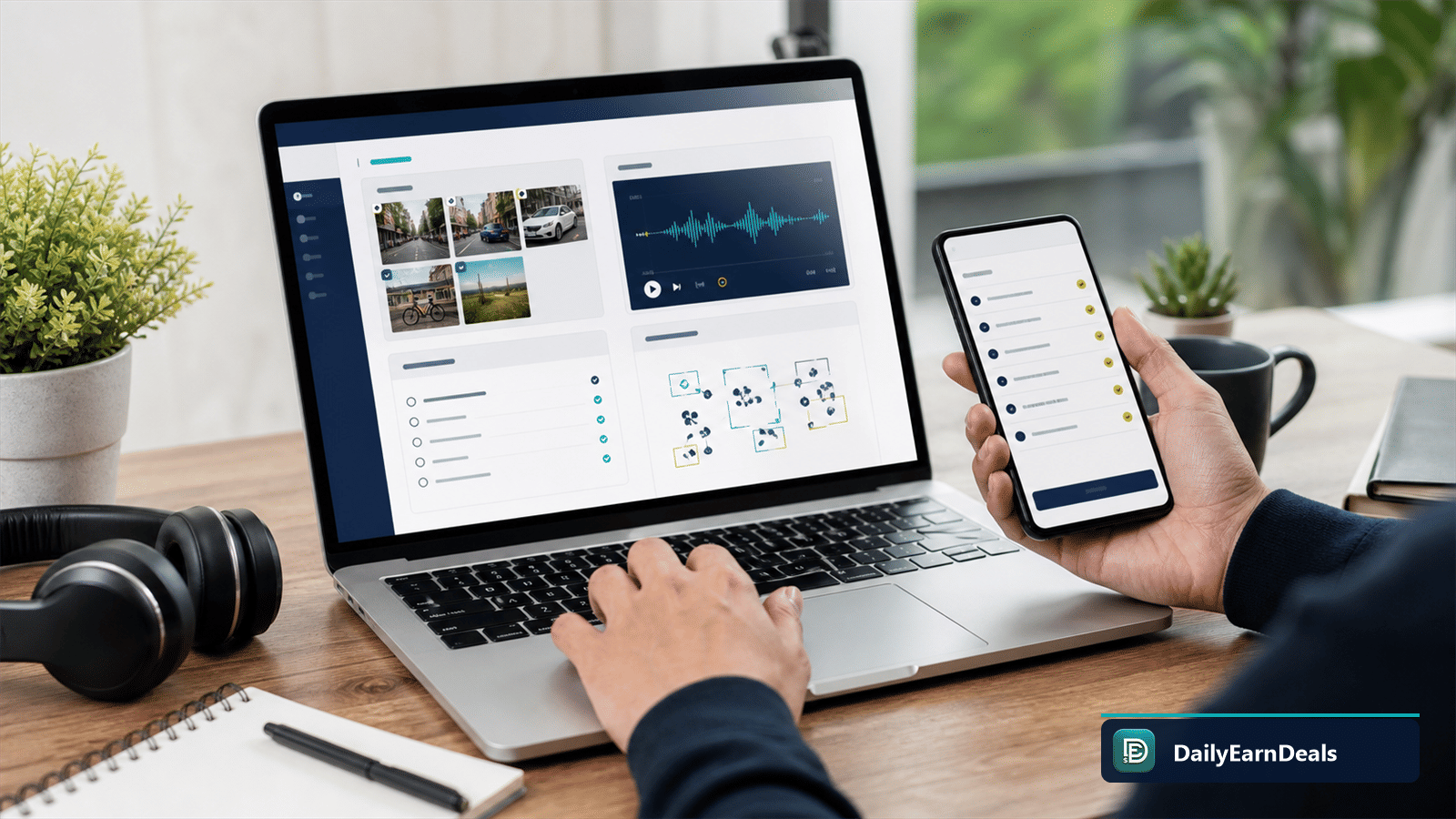
Clickworker projects can involve different task types; availability depends on your profile, location, qualifications, and client demand.
Tasks are normally paid per completed item or assignment, rather than as a fixed hourly wage. Some work is quick and simple; other assignments need more time, research, or specific skills. The task listing should show the fee and instructions before you decide whether to take it.
How much can you really earn?
Clickworker says individual task fees can range from cent amounts to two-digit euro sums. That is not an earnings promise: the practical result depends on which projects you qualify for, how often work is available in your country, whether submissions pass quality checks, and how long each task takes you.
This makes Clickworker more suitable for occasional extra income than for budgeting around a fixed weekly amount. Do not judge a task only by its listed fee. Read the instructions, estimate the time required, and remember that rejected work may not remain in your balance. Clickworker itself says its work should not be treated as a replacement for full-time employment or self-employment.
Payout: methods, thresholds and timing
Payment availability depends on your country and the options shown in your account. Clickworker’s current help centre lists PayPal, Payoneer, and selected direct bank-transfer routes. Its published guidance lists a €10 minimum for eligible PayPal payments, a €/$20 minimum for Payoneer, and a €20 minimum for certain direct bank transfers. These options and thresholds can differ by account, so confirm the payment page before relying on them.
Completed work is not always immediately ready to withdraw. Clickworker distinguishes an account balance from a payable balance while work goes through checks. Its help centre says ordinary work can take 7–30 days to become payable; UHRS work can take 39 days. Once an amount is payable and the relevant threshold is reached, its published schedule describes weekly payment runs for the listed methods.
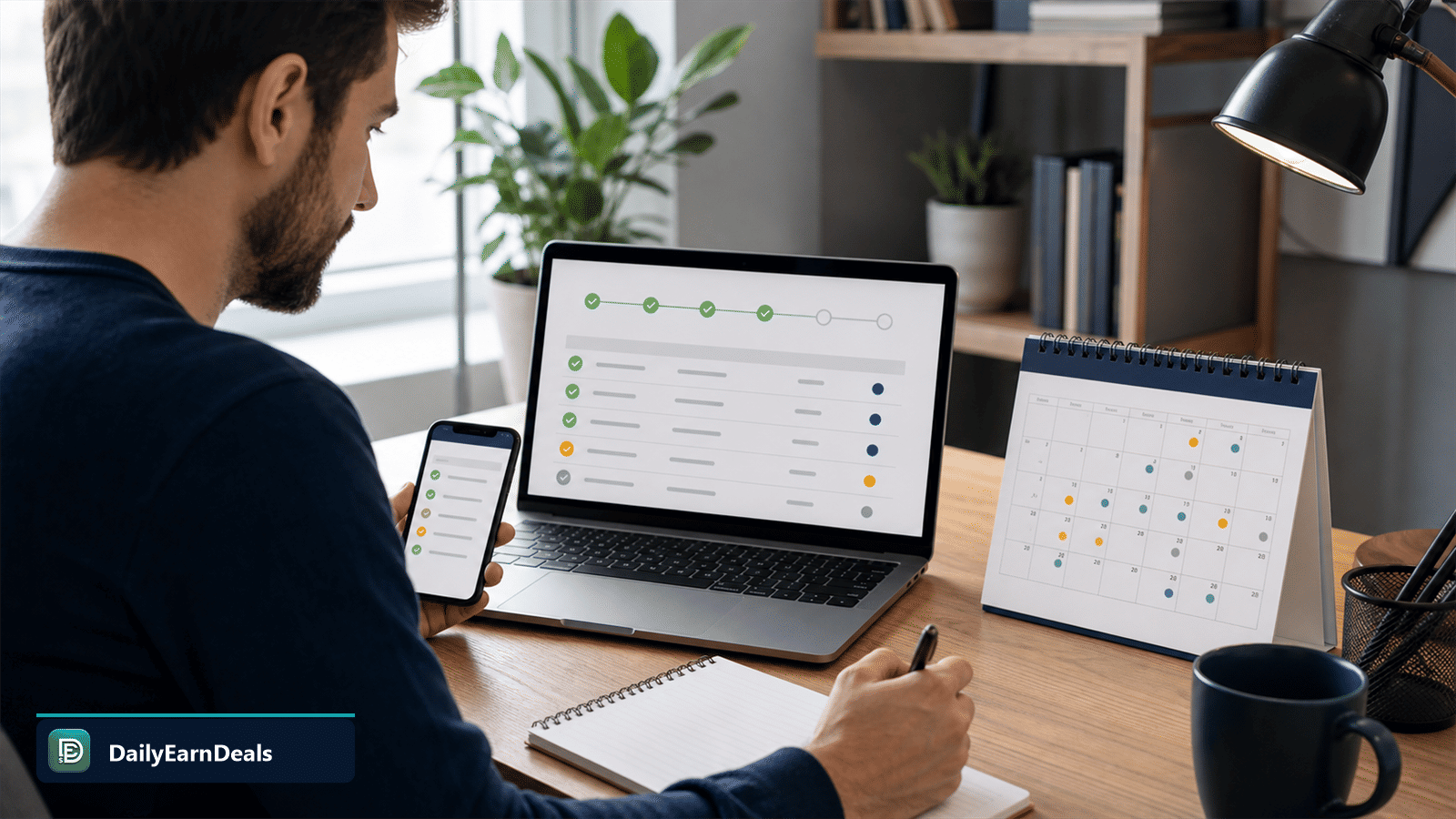
Completed work may remain pending while quality checks finish, so the account balance and payable balance can differ.
Eligibility and requirements
Clickworker accepts workers from many countries, but it can pause registration where it has enough workers or little expected work. If your country does not appear during sign-up, do not choose a different country. Check that a usable payment method is available for your actual country before investing much time in profile setup.
You will need accurate personal details, an email address, and a compatible phone or tablet with the Clickworker app for active-account access and browser-login confirmation. Payment and tax details may also be required. For example, Clickworker states that EU workers need to provide a tax identification number for payment processing; requirements outside the EU can vary. Only provide data through Clickworker’s official website or app.
How to start
- Go to the official Clickworker registration page or install its official app.
- Choose your real country of residence and complete the account details truthfully.
- Activate the account from the confirmation email.
- Install the app, complete the profile, and add any requested payment or tax details.
- Review available projects and qualifications before accepting a task.
- Start with a small task, read the instructions twice, and track the task’s payable date in your account history.
Tips to use Clickworker more carefully
- Keep your profile, language skills, and device details current so the platform can match you with relevant work.
- Read task instructions and quality rules before starting; speed is not useful if the work is rejected.
- Check both the listed fee and the likely time commitment before accepting a project.
- Use only one account and keep your country and payment details accurate.
- Review the payable date instead of assuming every completed task can be withdrawn right away.
- Keep records for your own tax reporting and seek local advice if you are unsure about your obligations.
Useful official links
Pros & cons
Pros
- Several types of microtasks, including AI-data, survey, media, and testing work.
- Flexible task-by-task schedule rather than fixed shifts.
- Published payment guidance and account-history tracking.
- Official app supports mobile task access and account security.
Cons
- No guaranteed task supply or dependable monthly income.
- Individual task fees can be small and effective earnings vary.
- Work may need quality checks before it becomes payable.
- Registration and payment methods are not available in every country.
Our verdict
Clickworker can be a reasonable side option for people who qualify for tasks and are comfortable with variable work. Treat it as occasional extra income, check payment availability first, and do not rely on it as a salary.
Frequently asked questions
Is Clickworker legit?
Clickworker is an established crowdsourcing platform that pays eligible workers for approved tasks. It is not a guaranteed-income service, and payment depends on task approval and account eligibility.
How much can you earn on Clickworker?
Task fees vary by project, skill, complexity, and availability. Clickworker says tasks can range from cent amounts to two-digit euro sums, so earnings are not predictable.
How does Clickworker pay workers?
Available options can include PayPal, Payoneer, and selected bank-transfer routes. The methods shown in your account depend on your country and eligibility.
What is the Clickworker payment minimum?
Clickworker’s current help centre lists €10 for eligible PayPal payments, €/US$20 for Payoneer, and €20 for certain direct bank transfers. Confirm the amount shown in your own account.
How long does Clickworker take to pay?
Completed work may need quality checks before it becomes payable. Clickworker says this is commonly 7–30 days, and UHRS work can take 39 days.
Is Clickworker available worldwide?
Clickworker accepts workers in many countries, but it can pause registration or limit payment options by country. Check registration and payment availability using your real country.
Do you need the Clickworker app?
Clickworker says an active account requires its app on a phone or tablet, including for confirming browser logins when two-factor authentication is requested.
Is there a fee or deposit to join Clickworker?
No deposit is required to register as a Clickworker. Be cautious of anyone asking for money or personal documents outside Clickworker’s official website or app.
Disclosure: some links on this page are affiliate or referral links — we may earn a commission at no extra cost to you. Rewards and eligibility are set by the offer provider and can change. Always check the provider's current terms before joining. See our affiliate disclosure.
Official page: www.clickworker.com/clickworker/
Report this offer as expired or wrong
Similar offers

iSecretShop Review 2026: Mystery Tasks, Pay & Requirements
iSecretShop review: understand mystery-shopping tasks, provider-set pay, payment timing, requirements, and assignment risks.

Premise Review 2026: Local Tasks, Surveys & Payouts
Premise review: how local tasks, surveys, photo work, country availability, payouts, privacy, and task rejection rules work.

Field Agent Review 2026: Local Tasks, Cash-Outs & Risks
A fact-checked Field Agent review covering local retail tasks, $3 cash-out, verified direct deposit, PayPal limitations, timing, eligibility, and risks.
Comments(0)
Comments come from visitors using self-chosen display names — they are not verified accounts and don't represent DailyEarnDeals. Every comment is reviewed by a person before it appears.