
iPhone vs Android for Earning Apps: Which Phone Should You Use?
Both iPhone and Android can work well for online earning apps. The better choice depends less on the phone itself and more on app availability, safety, your country, and the type of earning apps you use.
 Reviewed by YaShiRo
Requirements
iPhone or Android smartphone
Internet connection
App Store or Google Play account
Email address
Payment account depending on the app, such as PayPal, gift card account, bank account, Wise, or crypto wallet
Age and country requirements vary by app, so users should check each app’s official eligibility rules before signing up
How it works
What is iPhone vs Android for online earning apps?
This guide compares iPhone and Android from the point of view of people who use online earning apps, paid survey apps, cashback apps, micro-task apps, play-to-earn apps, receipt scanning apps, and passive income apps.
The simple answer is this: you do not usually need to buy a new phone just to make money with earning apps. Most legitimate earning apps are available on both iOS and Android, and your country, profile, age, demographics, and activity level usually matter more than your device. The original source article also makes this point: both platforms have plenty of earning opportunities, while location often has a bigger impact on available offers than the phone brand.
That said, there are real differences.
iPhone is usually better if you want a more controlled app store experience, a cleaner privacy setup, and less temptation to install risky apps from random websites. Apple says apps submitted to the App Store are reviewed, and its guidelines cover areas such as safety, performance, business, design, and legal requirements.
Android is usually better if you want wider app availability, more flexibility, and access to certain earning apps that may not appear on iPhone. This is especially true for some passive income, device-sharing, bandwidth-sharing, or background-running apps. The trade-off is that Android users need to be more careful with APK files, unofficial downloads, and apps that look too good to be true. Google Play Protect checks apps during installation and scans devices, including warnings around unsafe apps, but users still need to avoid risky sources.
How iPhone vs Android works
Online earning apps usually pay users for small actions, not full-time work. The most common earning methods include:
Paid surveys — answer questions for market research companies.
Get-paid-to apps — complete small tasks such as surveys, app trials, videos, sign-ups, and offers.
Play-to-earn apps — play mobile games and reach milestones.
Cashback apps — earn money back when shopping online or in stores.
Receipt scanning apps — upload shopping receipts for points or rewards.
User testing apps — test apps, websites, or digital products and give feedback.
Walking apps — track steps and earn points or rewards.
Passive income apps — earn from sharing bandwidth, data, or device resources.
For normal survey apps, cashback apps, and GPT apps, there is often no major difference between iPhone and Android. The same platform may offer PayPal, gift cards, bank transfer, or other rewards depending on your country.
The difference becomes more noticeable with game offers, passive earning apps, beta apps, and user testing tasks. Some platforms ask whether you use iOS or Android before showing tasks. At certain times, Android users may see more game install offers. At other times, iPhone users may see better app testing tasks. It is not something you can fully predict.
How much can you really earn?
There is no fixed earning amount for “iPhone vs Android” because this is a device comparison, not one earning app.
Realistically, online earning apps are best for extra pocket money. They are not a reliable salary. Some users may earn a few dollars from surveys or small tasks, while others may earn more from user testing, cashback, referral bonuses, or higher-paying research studies. The actual amount depends on your country, age, profile, time spent, and which apps you use.
Device choice can affect access to some offers, but it is not the biggest factor. The source article also says payout options usually depend on your country rather than whether you use Android or iPhone.
Use this rule:
If you already have a good iPhone, keep it and focus on trusted apps.
If you already have a good Android phone, keep it and be careful with app safety.
If you are buying a phone mainly for earning apps, Android may give you slightly more flexibility.
If safety and simplicity matter more, iPhone may feel safer for beginners.
No one should buy an expensive phone expecting earning apps to pay it back quickly.
Payout
Payouts depend on the individual earning app, not the phone.
Common payout methods can include:
PayPal
Gift cards
Bank transfer
Wise
Crypto
Store credit
App-specific points
Some apps offer different payout options by country. For example, a reward method available in the US may not be available in the UK, Canada, India, Morocco, UAE, or other countries. Always check the payout page before spending time on an app.
Minimum payout also varies. Some apps let you cash out at a low threshold, while others require more points before withdrawal. If the app does not clearly show its payout rules, that is a red flag.
Who it's best for
This guide is best for:
Beginners who want to start using earning apps safely.
People deciding whether iPhone or Android is better for paid surveys, GPT apps, cashback, and micro jobs.
Android users who want more earning app options but need to avoid risky APKs.
iPhone users who want a safer, simpler way to use reward apps.
Anyone thinking about buying a new phone just for online earning apps.
Best choice by user type:
Best for beginners: iPhone, because the App Store experience is more controlled.
Best for flexibility: Android, because more apps and app types may be available.
Best for passive income apps: Android, because background-running apps are more common there.
Best for safety-first users: iPhone, especially if you only download from the App Store.
Best overall answer: use the phone you already have, then choose trusted earning apps.
How to start
Decide what type of earning app you want: surveys, cashback, games, micro jobs, or passive earning.
Search only on the official App Store or Google Play Store first.
Read recent reviews, not just the star rating.
Check the payout methods before you sign up.
Look for the minimum cashout amount.
Read the privacy policy and permissions.
Avoid apps that ask for unnecessary access, such as contacts, SMS, or full device control.
Do not install random APK files unless you fully trust the official source.
Start with 2–3 trusted apps instead of downloading too many at once.
Track your time so you know whether the app is worth it.
Tips to earn more
Join several legit apps instead of relying on one.
Focus on apps that match your country.
Complete your profile honestly so survey apps can match you better.
Check apps at different times of the day because offers change.
Avoid offers that require spending money unless you already planned to buy that product.
Do not chase unrealistic rewards or “instant rich” claims.
Use a separate email address for earning apps.
Turn on payment security for PayPal, bank, or gift card accounts.
Keep screenshots of completed high-value offers.
Delete apps that waste time, delay payments, or keep changing payout rules.
Pros & cons
Pros
- Works for both iPhone and Android users
- Helps beginners avoid buying a new phone unnecessarily
- Explains safety differences between App Store, Google Play, and APK downloads
- Covers multiple earning app types, including surveys, cashback, games, and passive income
- Useful for choosing the right device based on earning style
Cons
- Not a direct earning opportunity by itself
- No fixed payout amount because earnings depend on individual apps
- Android users may face more risk if they install apps from unofficial sources
- iPhone users may have fewer passive/background earning app options
Our verdict
For most people, the best phone for online earning apps is the one they already own. Android may offer more flexibility, especially for passive apps, while iPhone is a strong choice for beginners who want a more controlled and safety-focused app experience.
Frequently asked questions
Is iPhone or Android better for online earning apps?
Both can work well. Android may offer more flexibility and more passive app options, while iPhone may feel safer and simpler for beginners.
Can I make more money with Android than iPhone?
Sometimes Android users may see more app install, game, or passive income options, but earnings mostly depend on your country, profile, and the apps you use.
Do iPhone users get fewer earning apps?
Not always. Many major survey, cashback, and GPT apps support iPhone. However, some background-running or passive income apps may be more common on Android.
Is Android riskier for earning apps?
Android is safe when you use trusted apps from Google Play, but risk increases if you install APK files from random websites or unknown sources.
Is iPhone safer for earning apps?
iPhone can be safer for beginners because Apple has a more controlled app review process, but users still need to check reviews, permissions, and payout rules.
Do payout methods depend on iPhone or Android?
Usually no. Payout methods normally depend on the app and your country, not the phone you use.
Should I buy a new phone for earning apps?
In most cases, no. Use your current phone first and test trusted apps before spending money on a new device.
Which phone is better for passive income apps?
Android is usually better for passive income apps because more background-running apps are available there, but users should be extra careful with privacy and permissions.
Can I use both iPhone and Android for earning apps?
Yes, but check each app’s rules. Some platforms may not allow multiple accounts or duplicate device use.
What is the safest way to start?
Download apps only from the App Store or Google Play, check payout rules, read recent reviews, and avoid apps promising unrealistic income.
Disclosure: some links on this page are affiliate or referral links — we may earn a commission at no extra cost to you. Rewards and eligibility are set by the offer provider and can change. Always check the provider's current terms before joining. See our affiliate disclosure.
Report this offer as expired or wrong
Similar offers
MobileXpression Review 2026: Rewards, Privacy and Risks
MobileXpression rewards selected mobile users for keeping its research software active, but participation involves extensive browsing and app-usage data collection.

Can You Earn $1,000+ Renting Your Backyard? 6 Apps to Try
Turn unused outdoor space into extra income through dog visits, pool rentals, camping, events, or vehicle storage. Earnings depend on your property, location, demand, expenses, and platform fees.
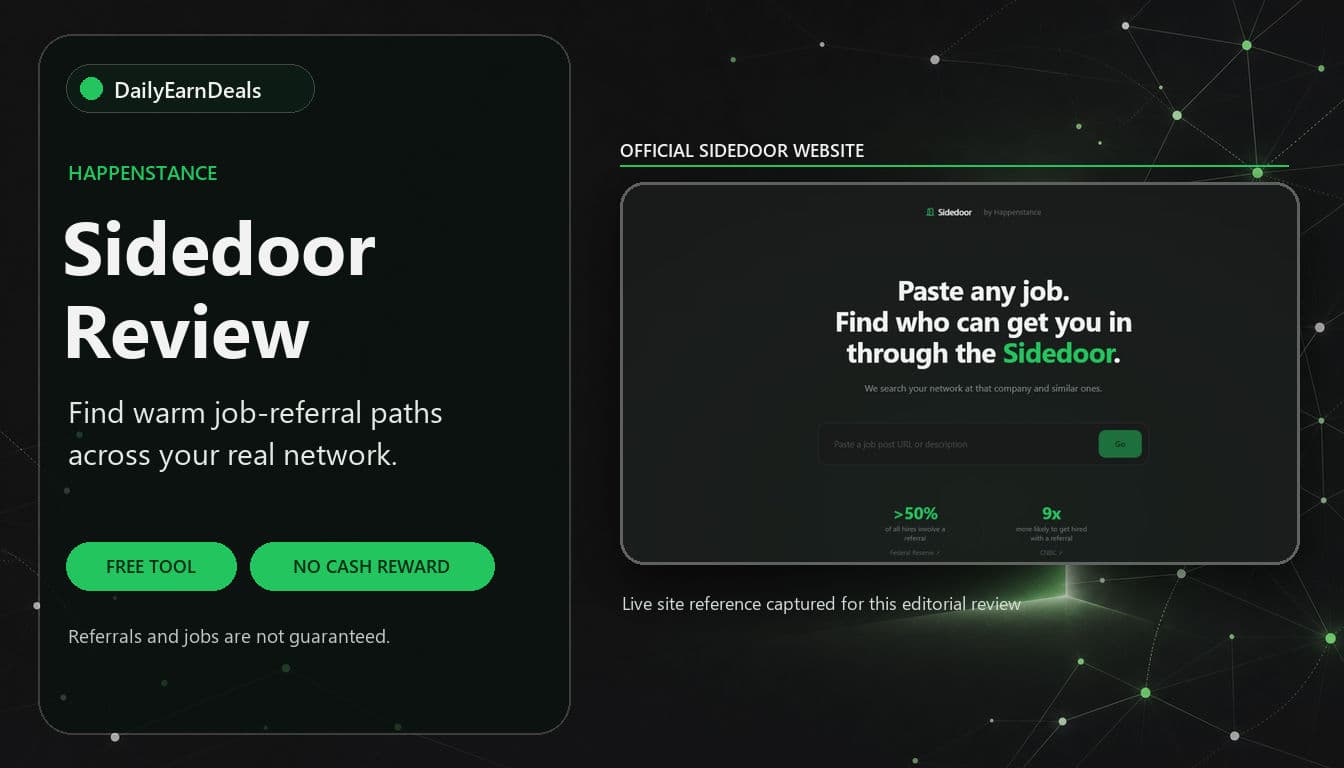
Sidedoor Review: Find Job Referrals Through Your Network for Free
Sidedoor by Happenstance lets job seekers paste a vacancy and look for people in their extended network who may provide an introduction or referral. It is free to use, but it is a career tool rather than a cash-reward offer.
Comments(0)
Comments come from visitors using self-chosen display names — they are not verified accounts and don't represent DailyEarnDeals. Every comment is reviewed by a person before it appears.